




First steps
You need to install 2 apps.
Install the sender app on the device you play the game.
Install the score app on the device you want to display the score.
To connect both apps please open the apps on each device and login. This way the apps are connected.
Also make sure both devices are in the same WIFI network.

Sender app
All settings are done in the sender app.
First you select the crop of the score area. (look at the following screenshot)
The first 5 presets can not be changed.
Create your own custom presets starting with “Custom 1”
You can Change the values of the Preset and set a new preset name.
You can also set a new background image for the score app.

Score app
Tab anywhere on the screen to show the menu buttons.
You can change the score layout to full screen or half screen by pressing the change layout-button
You can refresh the stream by pressing the refresh- button.

VIDEO TUTORIAL
Download APPS
Related Products
-
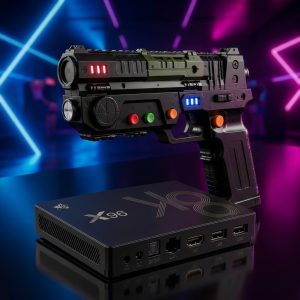
SHARPIN Shooter + Gaming Box Ultra Bundle – Complete Android Light Gun Setup
399,00 €
Includes 20% VAT ATplus shipping -
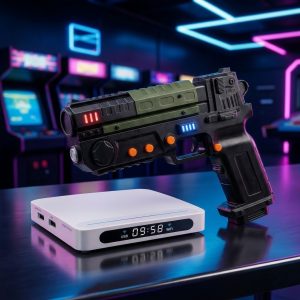
SHARPIN Shooter + Gaming Box Light Bundle – Complete Light Gun Setup for TV
299,00 €
Includes 20% VAT ATplus shipping -
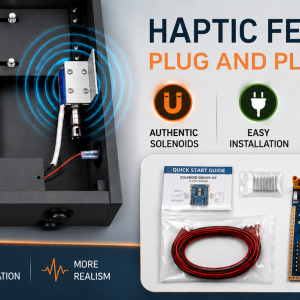
Haptic Feedback KIT for Virtual Pinball
298,80 €
Includes 20% VAT ATplus shipping -
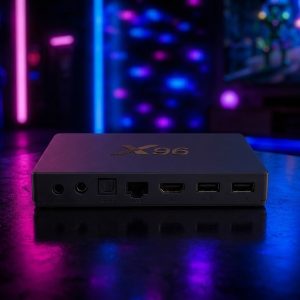
SHARPIN Gaming Box Ultra – Powerful Android TV Gaming Box
249,00 €
Includes 20% VAT ATplus shipping -
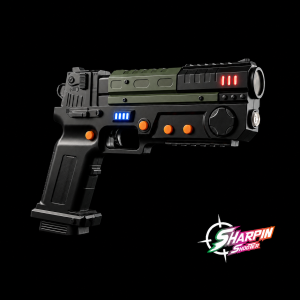
Sharpin Shooter – Kabellose Lightgun für Android & PC
228,00 €
Includes 20% VAT ATplus shipping -
Mini

SHARPIN Mini V3 for iPad
129,00 €
Includes 20% VAT ATplus shipping -
Mini

SHARPIN Mini V3
129,00 €
Includes 20% VAT ATplus shipping -
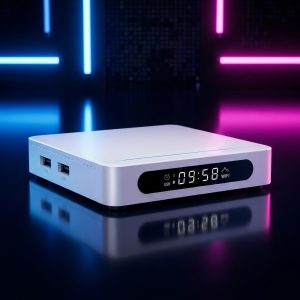
SHARPIN Gaming Box Light – Android TV Gaming Box for 2D & Casual 3D Games
99,00 €
Includes 20% VAT ATplus shipping -

Digital Plunger
49,00 €
Includes 20% VAT ATplus shipping -

backglass mount
29,00 €
Includes 20% VAT ATplus shipping -

USB C Y-cable
18,00 €
Includes 20% VAT ATplus shipping